Auto-solve Captchas as You Browse
SolverCF's browser extension watches every page you open and automatically solves Cloudflare Turnstile and Google reCAPTCHA v3 / v3 Enterprise challenges for you — no manual clicking, billed against your existing SolverCF balance.
Prefer to install it manually instead? Click here to download the .zip directly from our servers.
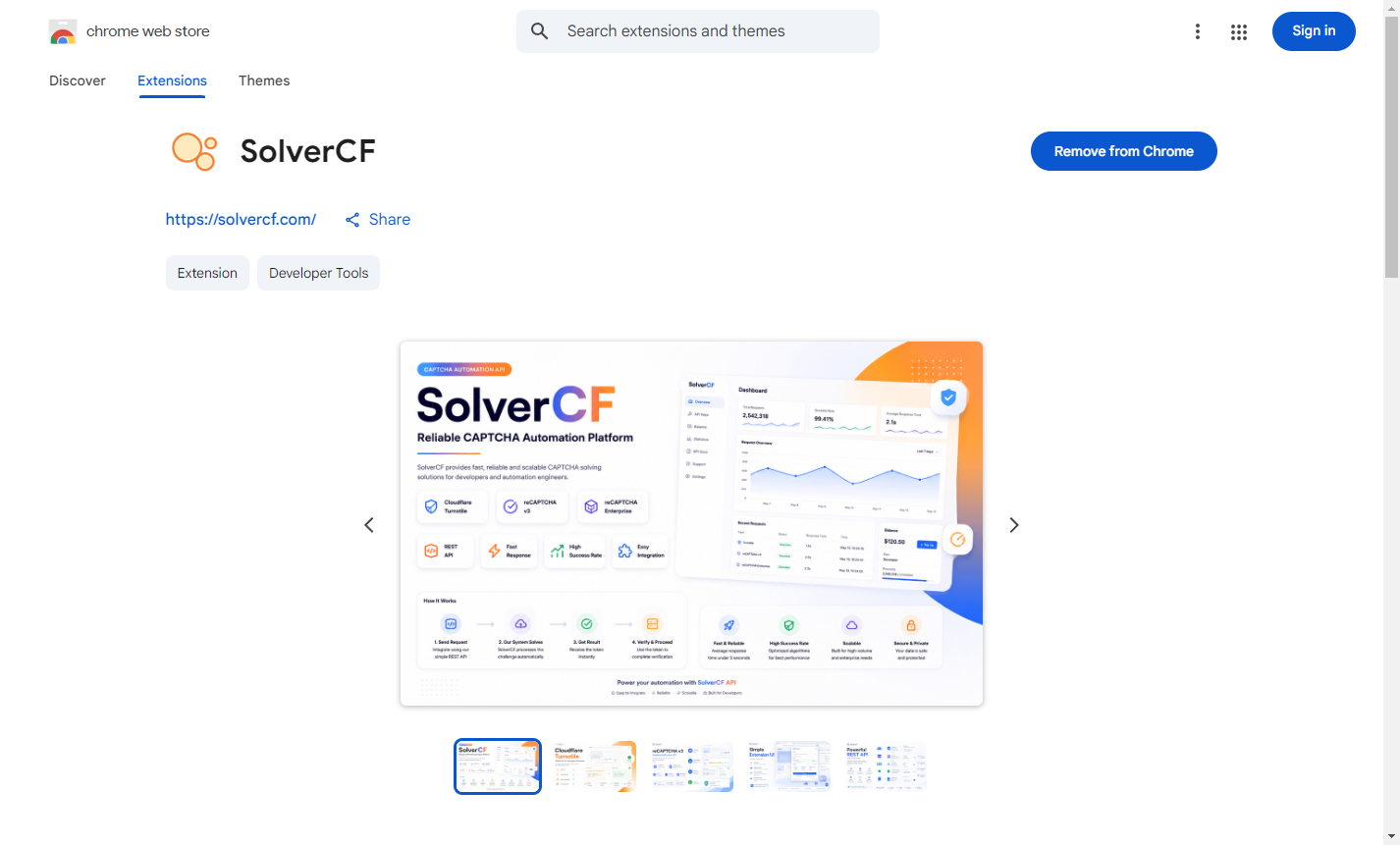
What it solves
Both embedded widgets on a site's own form and full-page "Verifying you are human" managed challenges.
Invisible score-based challenges are detected and solved automatically — nothing to click.
Turn solving on/off, pick exactly which captcha types to auto-solve, and see your live balance.
Exclude specific hostnames from auto-solving without disabling the extension entirely.
Installation
- Click Get it from Chrome Web Store above, then Add to Chrome.
- Click the SolverCF icon in your toolbar, paste your API key from the dashboard, and hit Save key.
Installing manually from the downloaded .zip instead? Unzip it, open
chrome://extensions, enable Developer mode (top-right toggle),
then click Load unpacked and select the unzipped folder.
Need more detail, or want to know exactly what data the extension sends back to SolverCF? See the full documentation and our Privacy Policy.